• Home
  • Suzy University
  • Entrepreneurship
    • Organization
    • How to Start a YouTube Channel
    • How To Start A Blog
    • How To Make a Digital Product
  • Travel
    • US
    • Fall
    • Christmas
    • NYC
    • Map
  • Disney
    • Disney World Guides
    • Disney Movies
    • Disney Music
  • Music
    • Best Artists
    • Best Music

Guides By Suzy

Guides By Suzy shares travel, organization, and tech tips

TV Guide

November 19, 2024

This site contains affiliate links, view the disclosure for more information.

Getting a new TV? You’re in the right place! In this post I’m going to walk through everything you need to know before you buy it.

Outline

  • Get The TV
  • Get The Accessories
  • Set It Up
  • When To Replace It

Step 1. Get The TV

First step is to add the TV to your cart. There are a few things to consider, and I’ll review them below.

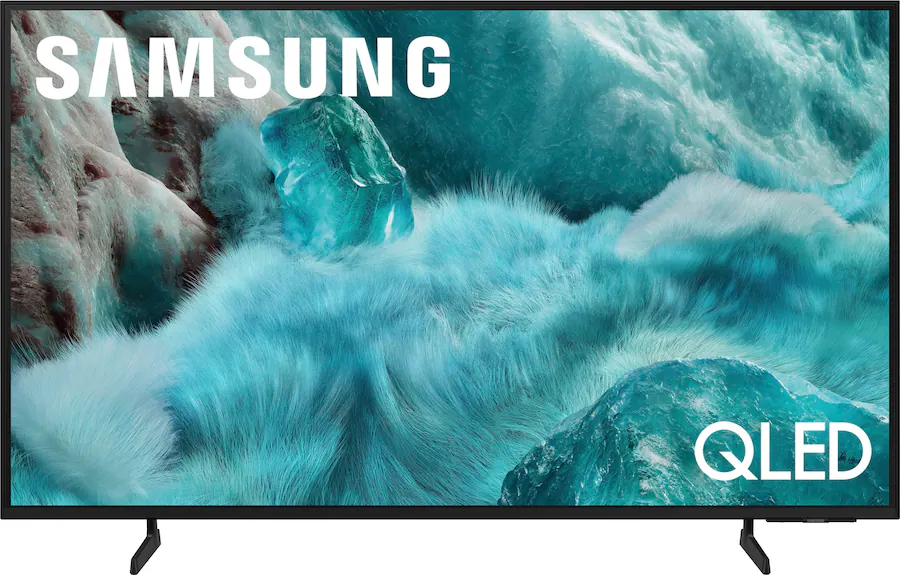
  • Choose The Brand: What TV’s do you have in the rest of the house? I’d recommend using the same company so they are all the same. Some good brands are Samsung, LG, and Sony. I’d stick with those.
  • Choose The Size: What size TV will fit in the space? I’d recommend measuring the wall or cabinet to make sure.
  • Choose The Resolution: After you choose the brand and size, you’re going to need to choose a resolution. I’d recommend getting a 4K TV since the picture quality is way better.
  • Get The Professional Set Up (if needed): If it’s just going to be on a stand, it’s very easy to set up yourself. However, if you need to hang it on the wall, I’d recommend paying for the professional set up because that will involve a wall mount, drilling into the wall, and most likely threading wires through the wall as well. Best Buy has a service that can do that and I’ll link it here.
Step 2. Get The Accessories

Next, you’re going to need to get the accessories. Add these to your cart and checkout.

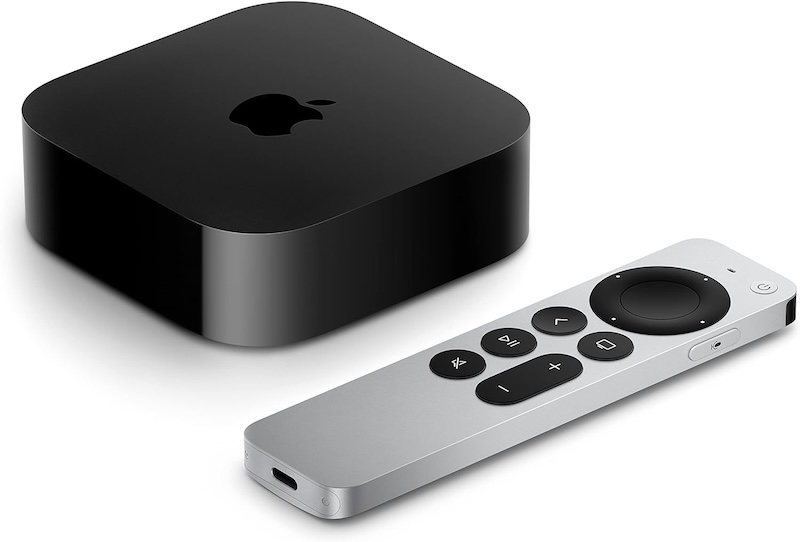
  • Apple TV – You absolutely need to get the Apple TV. If you want your TV to actually work well, then get this. 😄
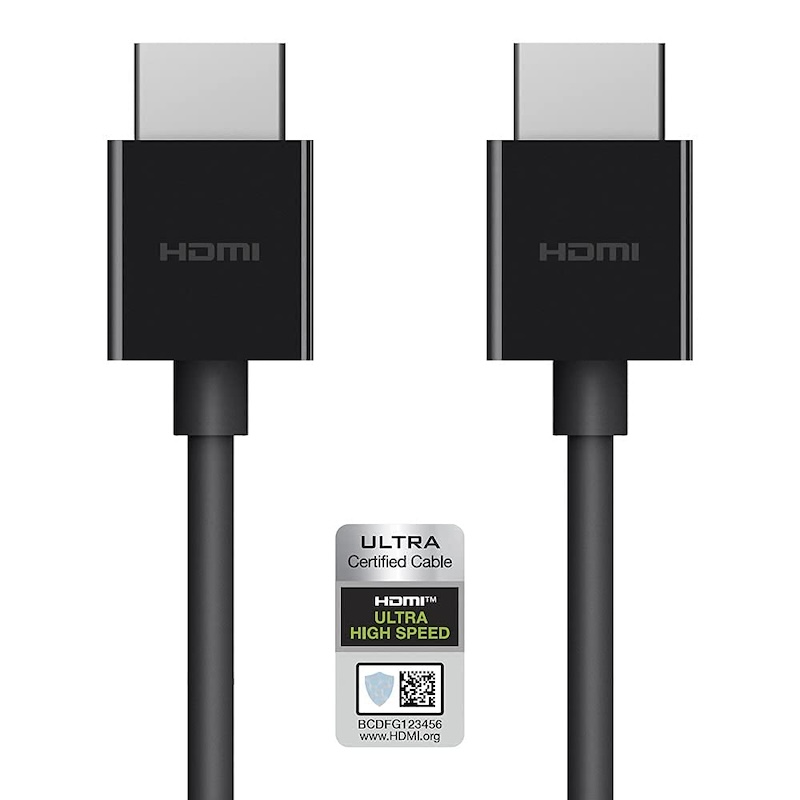
  • HDMI Cable – This is so you can connect your Apple TV to your new TV.
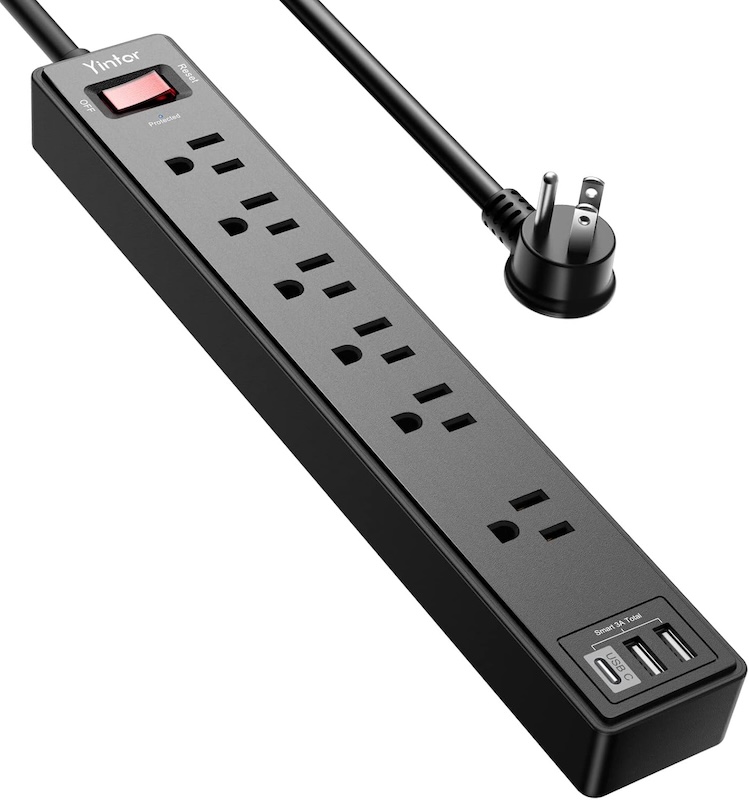
  • Power Strip – Get this if you don’t already have one so you can plug everything in.
Step 3. Set It Up

Once everything arrives, you can set it up. I review how to set up the Apple TV in the video below. ⬇️ You can also check out the full Apple TV Guide linked here.

Step 4. When To Replace It

I personally replace my TVs about every 10 years.

And those are all of my TV tips! Do you have any questions? Let me know in the comments!

Looking For More About Tech? Read These Posts Next!

  • Apple TV Guide
  • MacBook Guide
  • All Tech Guides
Back to top of page

Posted In: Tech

Leave a Reply Cancel reply

Your email address will not be published. Required fields are marked *

Browse the Blog

  • Suzy University
  • Entrepreneurship
  • Music
  • Disney
  • Travel

Recent Posts

  • Colorado Guide (Southern)
  • Software Update Guide
  • How To Make a Digital Product

Connect

suzybelli

How to add a table of contents to a blog! Link in How to add a table of contents to a blog! Link in bio for the full video 🔗 
#bloggingtips #blog #wordpress
How to upload featured images to a blog! Link in b How to upload featured images to a blog! Link in bio for the full video 🔗
#bloggingtips #blog
How to upload images to a blog! Link in bio for th How to upload images to a blog! Link in bio for the full video 🔗
#blog #bloggingtips
How to write a blog post! Link in bio for the full How to write a blog post! Link in bio for the full video 🔗 
#bloggingtips #wordpress
How to add legal pages to a blog! Link in bio for How to add legal pages to a blog! Link in bio for the full video 🔗 
#bloggingtips #blog
How to set up a new macbook! #techtips #macbook How to set up a new macbook! 
#techtips #macbook
Follow on Instagram

Copyright © 2025 Guides By Suzy · Privacy Policy · Terms and Conditions · Disclaimer · Theme by 17th Avenue

Guides By Suzy is a participant in the Amazon Services LLC Associates Program, an affiliate advertising program designed to provide a means for sites to earn advertising fees by advertising and linking to Amazon.com.