Getting a new MacBook? You’re in the right place! In this post I’m going to walk through everything you need to know before you buy it.
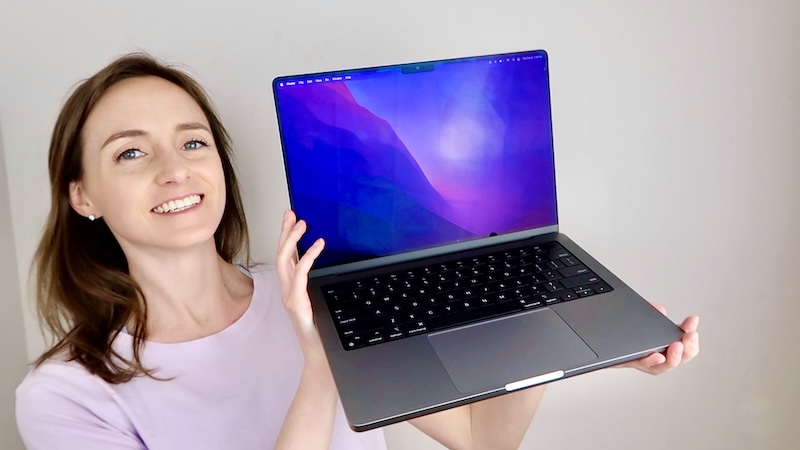
Step 1. Get The MacBook
The first step is to add the computer to your cart. There are a few things to consider, and I will review them below.
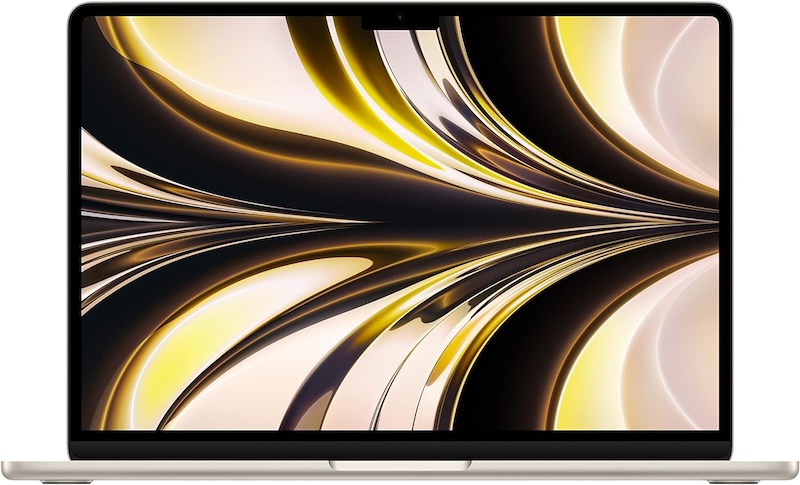
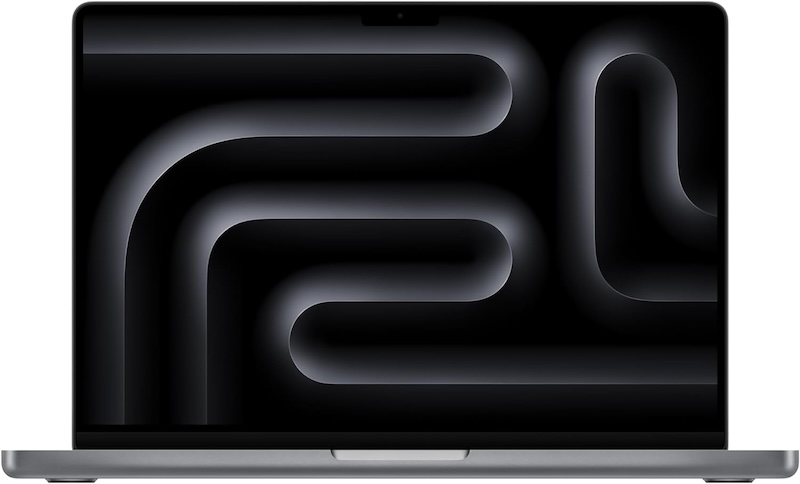
- First, you want to decide if you need the MacBook Air, or the MacBook Pro. If you are going to use your computer for college or work, then I’d say go with the MacBook Pro. And by work I mean editing videos with Final Cut Pro, making music with Logic Pro, coding, etc. If you are someone who is just using it for casual, everyday things like checking emails, using the internet, checking social media, and online shopping, then go with the MacBook Air.
- Next, you’ll be asked if you want to upgrade the chip, memory, or storage. I personally do not get any of the upgrades, I just get the most basic model. I find the upgrades highly unnecessary for the average person. If you wanted to check how much storage you are currently using, go to the System Settings app on the dock ➡️ General ➡️ About ➡️ scroll down until you see Storage.
- Then you’ll be asked if you want to trade in your old MacBook if you have one. I always do this since it’s the best way to recycle your old computer. Sometimes you can even get some money back.
- As for the AppleCare+ insurance, I personally never buy it, if that answers your questions about that. 😄 Just know that your laptop is NOT waterproof, so keep your coffee and water at a VERY safe distance. If you spill anything on your keyboard, your laptop is kinda toast.
Step 2. Get The Accessories
Next, you’re going to need a few accessories, and I’ll list them below. Add those to your cart and checkout.
- Get a case. You’re going to be throwing your laptop around into your backpack, you’re going to throw it into your suitcase when you travel, so you want to make sure it is protected and safe from being bumped around. I like this puffy one.

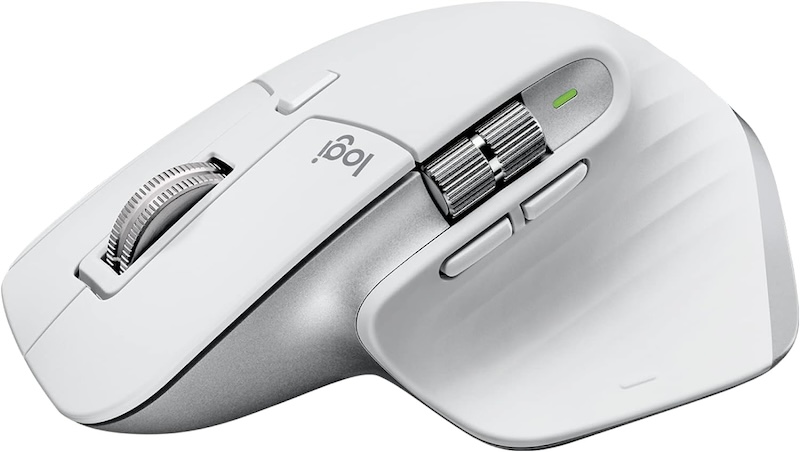
- Get this wireless mouse. Using an actual mouse is so much better than the trackpad.
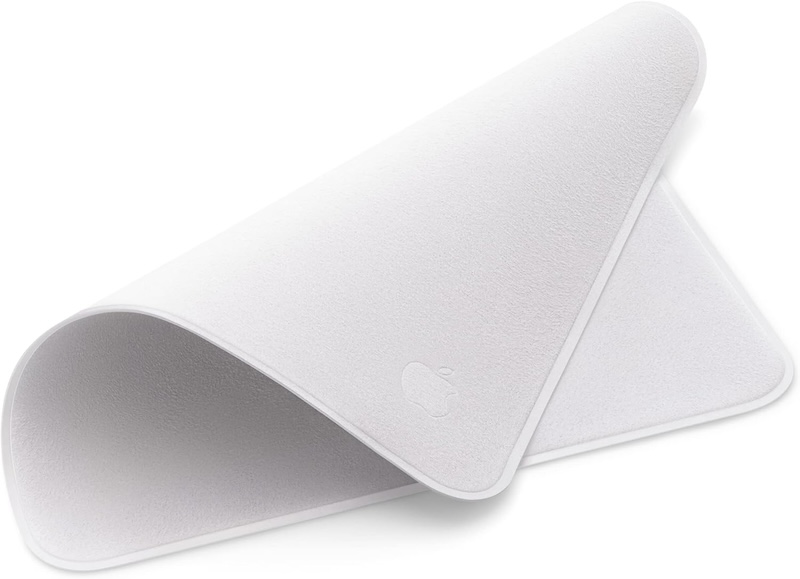
- Get the Apple Polishing Cloth. This is the official cloth made by Apple to clean the screens of their products. So you can use this for your MacBook, iPhone, iPad, etc.
Step 3. Set It Up
Once everything arrives, you can set it up. I walk through exactly how to do this in the video below ⬇️
Step 4. Know The Basics
These are some essential tips to know about the MacBook. If you ever have any issues, these are the things to always try first. ⬇️
Step 5. How To Find It
If you ever lose your MacBook, here’s how to find it. This video technically shows how to find an iPhone, but your MacBook can be found the exact same way. You can also see where your MacBook is by going to the FindMy app on your iPhone. ⬇️
Step 6. When To Replace It
I personally replace my MacBook about every 10 years.
Step 7. More Tips
For all of my MacBook tips, check out this playlist here.
And those are all of my MacBook tips! Do you have any questions? Let me know in the comments!
Looking For More About Tech? Read These Posts Next!


Leave a Reply