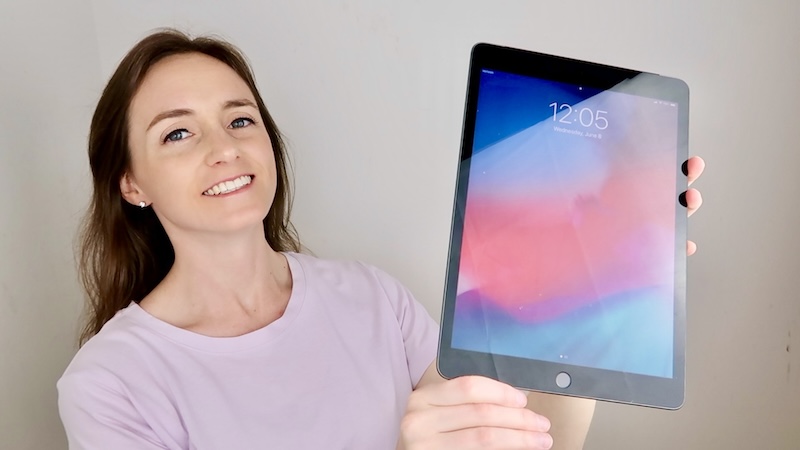
Getting a new iPad? You’re in the right place! In this post I’m going to walk through everything you need to know before you buy it.
Step 1. Get The iPad
First step is to add the iPad to your cart. There are a few things to consider, and I will review them below.
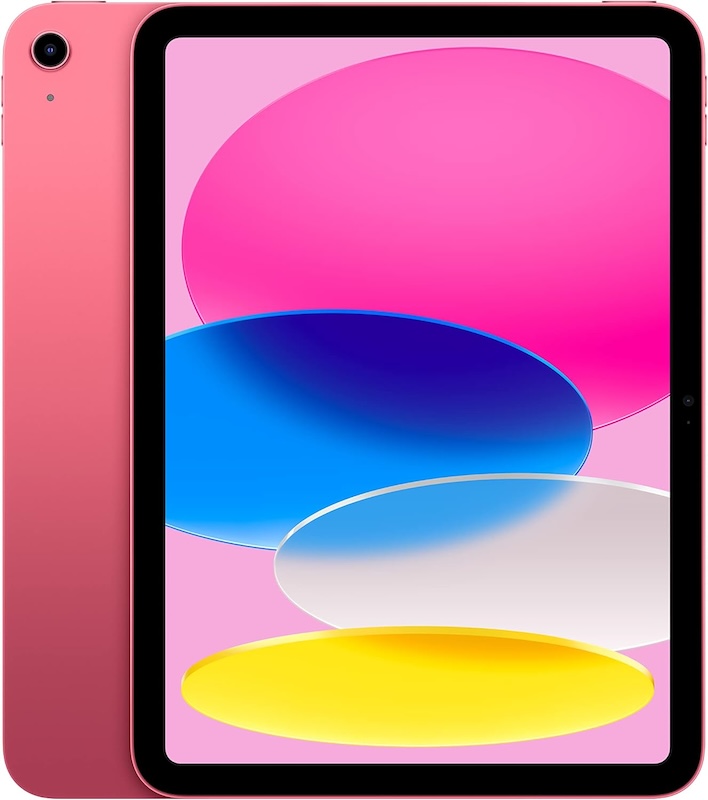
- First, you want to decide which model you want. There’s the Pro, the Air, the mini, and then just the regular iPad. I personally don’t think the Pro or Air is necessary for the average person. And the mini is pretty small. Most people just get the regular model, and that is usually what I recommend people get. If you want to be super fancy, then get the Pro or the Air, but I personally just get the regular one.
- Next, you’re going to want to decide on the amount of storage. The lowest storage option should be fine for most people, because you should be storing everything on iCloud anyway, and not on the device itself. You can check what your current storage is by going to Settings ➡️ General ➡️ iPad Storage.
- You should also check your iCloud storage, to make sure everything is in the cloud. To check this, go to Settings ➡️ click your name at the top ➡️ iCloud ➡️ Storage. If you need more cloud storage, this is where you can get it.
- Next you will want to decide if want the iPad with just Wi-Fi, or with Wi-Fi + cellular. If you get Wi-Fi + cellular, this means you will be adding it as a line to your phone plan and will be charged ~$25 or so monthly to have internet access anywhere. If you get the Wi-Fi only iPad, there will not be a monthly charge, and the iPad will only be able to access the internet through a wifi connection (i.e at your house, at your hotel, etc.).
- Next, you are going to be asked if you want to trade in your old iPad. I usually do this, since you can get some money back. They will ask for the Serial Number to estimate the trade in value, and to get that you can go to Settings ➡️ General ➡️ About.
- As for the AppleCare+ insurance, I personally never buy it, if that answers your question about that. 😄
Step 2. Get The Accessories
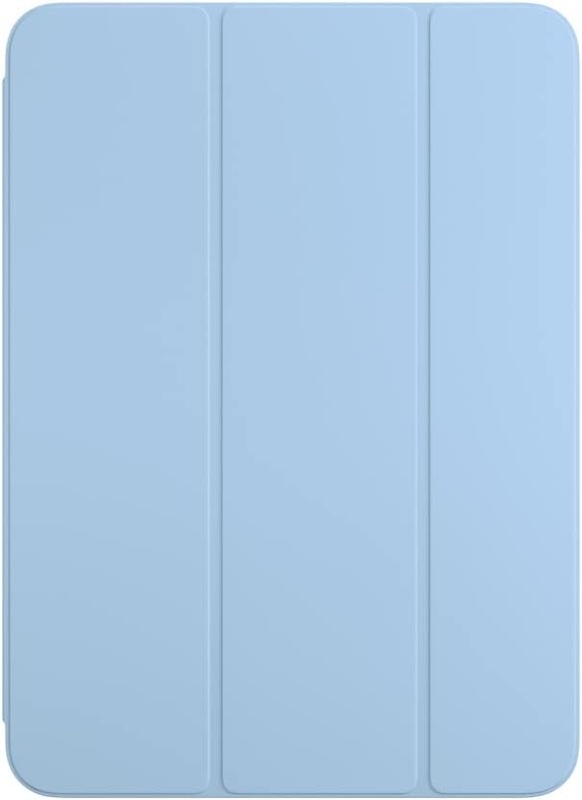
Next, you’re going to need a case. I like the basic Smart Folio, and I’ll link it below.
Step 3. Set It Up
Once everything arrives, you can set it up. I walk through exactly how to do this in the video below ⬇️
Step 4: Recycle The Old One
When you buy your new iPad, you’ll be given the option to recycle / trade in your old one. If it’s in good condition, they might even give you some money back. When your new iPad arrives, it will come with a trade in box for the old one, and I walk through exactly how it works in the video below. ⬇️
Step 5: Know The Basics
These are some essential tips to know about the iPad. If you ever have any issues, these are the things to always try first. ⬇️
Step 6. How To Find It
If you ever lose your iPad, here’s how to find it. This video technically shows how to find an iPhone, but your iPad can be found the exact same way. You can also see where your iPad is by going to the FindMy app on your iPhone. ⬇️
Step 7. When To Replace It
I personally replace my iPad about every 6 years.
Step 8. More Tips
For more iPad tips, check out this playlist here.
And that’s everything you need to know about getting a new iPad! Do you have any questions? Let me know in the comments!
Looking For More About Tech? Read These Posts Next!


Leave a Reply