Getting a new Apple Watch? You’re in the right place! In this post I’m going to walk through everything you need to know before you buy it.
Step 1. Get The Apple Watch
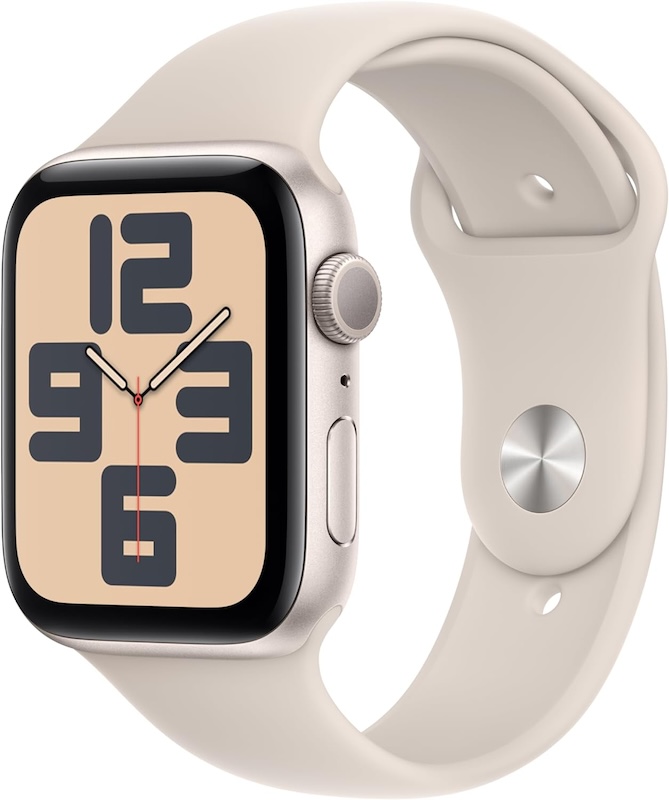
First step is to get the watch. There are a few things to consider, and I will review them below.
- First, you want to decide which model you want. There’s the SE, the Ultra, and then just the regular Apple Watch Series 11 (or whichever model is out). I personally don’t think the Ultra is necessary for the average person. And the SE has less features than the regular one. Most people just get the regular model, and that is usually what I recommend people get. If you want to be super fancy, then get the Ultra, but I personally just get the regular one.
- Next you are going to need to decide on either getting it in Aluminum or Titanium, it doesn’t really matter which one of those you get. Pretty much just choose whichever one looks better to you.
- Next, you are going to need to decide on the size of the watch face. There are 2 sizes, 42mm and 46mm. I would recommend actually going to the Apple Store near you and trying these on to decide.
- Next, you are going to need to decide if you want a watch with or without cellular. With cellular means you will be adding it as a line to your phone plan and will be charged ~$10 or so monthly to have internet access anywhere. If you get the watch that does not have cellular, you will not be charged anything monthly, and the watch will only be able to access internet through your phone that is close by. So pretty much if you have your phone with you all the time, then you don’t need the with cellular one.
- The next step is to decide what kind of band you want. There are a few different types, and I again would recommend trying these on in the store to make sure you get one that is comfortable for you.
- As for the AppleCare+ insurance, I personally never buy it, if that answers your question about that. 😄
Step 2. Get The Accessories
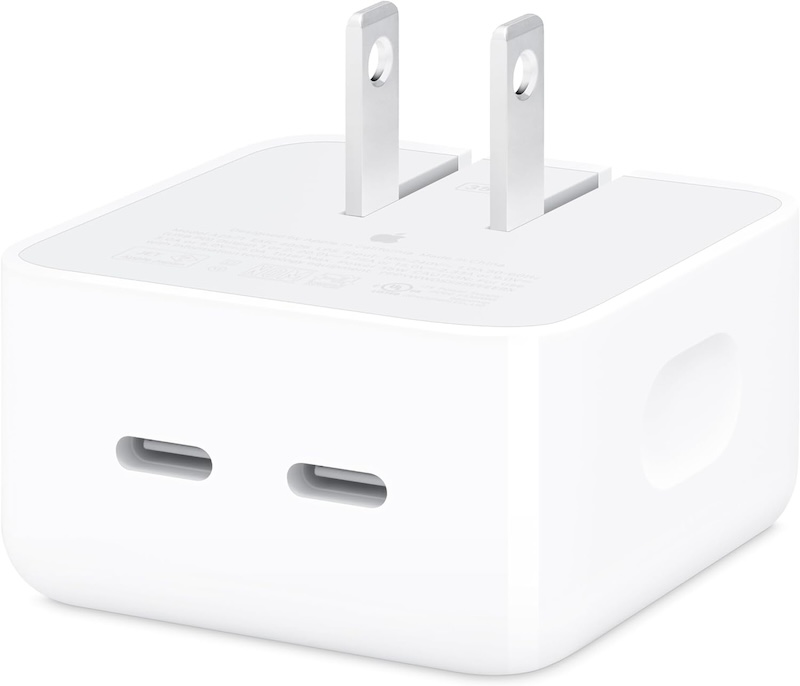
Next, you’re going to need an adapter if you don’t already have one. I like this one, so your iPhone charger and your watch charger can go into the same plug.
Step 3. Set It Up
Once you get everything, you can set it up. I walk through exactly how to do this in the video below. I also review how to change the band if you ever want to switch it out for a different one. ⬇️
Step 4. Know The Basics
These are some essential tips to know about the Apple Watch. If you ever have any issues, these are the things to always try first. ⬇️
Step 5. How To Find It
If you ever lose your Apple Watch, here’s how to find it. This video technically shows how to find an iPhone, but your watch can be found the exact same way. You can also see where your Apple Watch is by going to the FindMy app on your iPhone ⬇️
Step 6. When To Replace It
I personally replace my Apple Watch about every 6 years.
And those are all of my Apple Watch tips! Do you have any questions? Let me know in the comments!
Looking For More About Tech? Read These Posts Next!


Leave a Reply