• Home
  • Suzy University
  • Entrepreneurship
    • Organization
    • How to Start a YouTube Channel
    • How To Start A Blog
    • How To Make a Digital Product
  • Travel
    • US
    • Fall
    • Christmas
    • NYC
    • Map
  • Disney
    • Disney World Guides
    • Disney Movies
    • Disney Music
  • Music
    • Best Artists
    • Best Music

Guides By Suzy

Guides By Suzy shares travel, organization, and tech tips

Best Gear to Start a YouTube Channel

June 18, 2024

This site contains affiliate links, view the disclosure for more information.

This post covers all of the filming and editing gear that you need to start a YouTube channel.

Optional Gear

Camera equipment is honestly optional at this point for new YouTubers. iPhone cameras have advanced so much over the past 10 years, so if you don’t have the $1,000+ to spend on a camera, just use your iPhone if you have one. I recommend watching the video below for my filming tips if you want to just use your iPhone. If you want to invest in a camera, I’ll link the equipment that I use below.
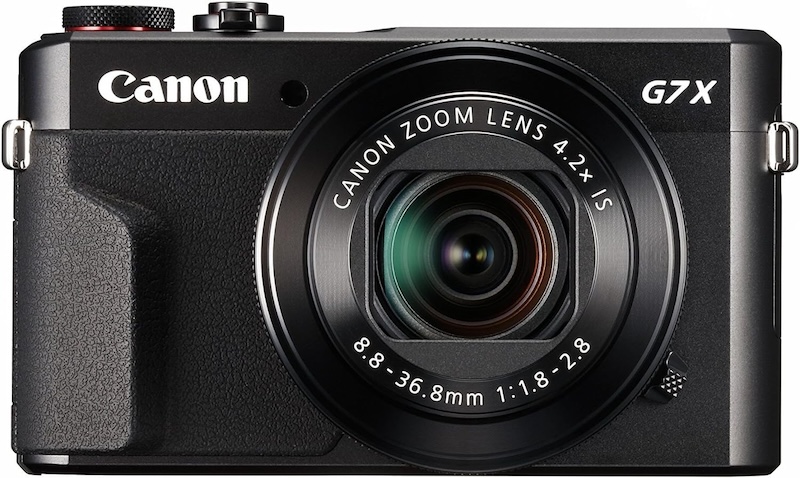
  • Camera
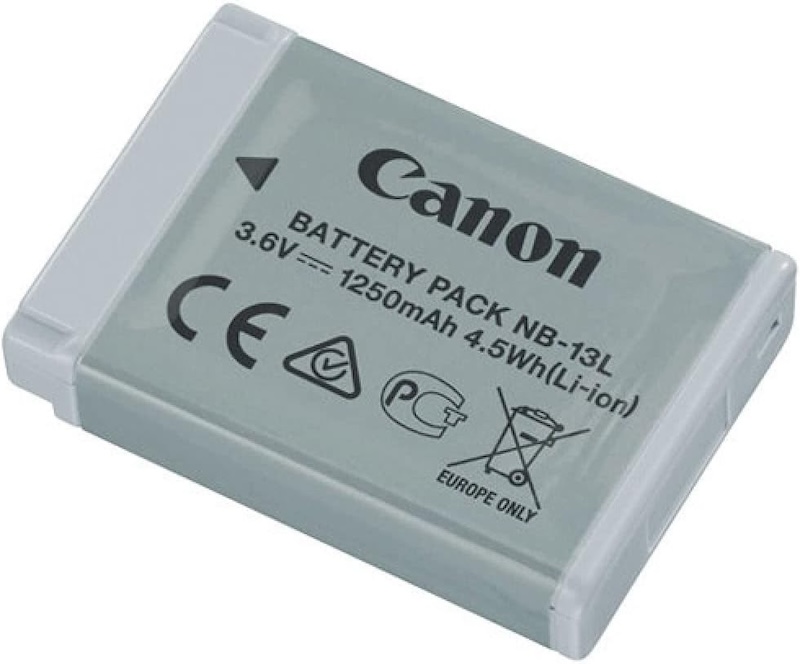
  • Extra Camera Battery
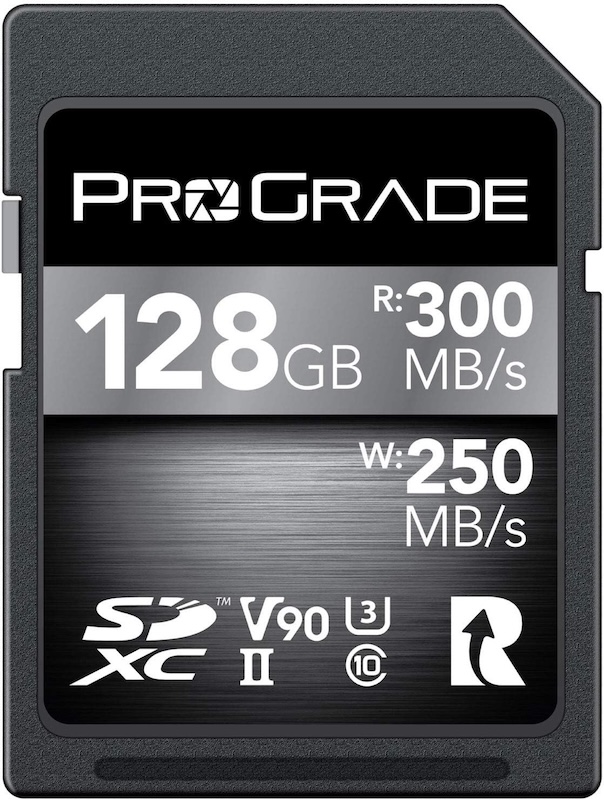
  • Memory Card
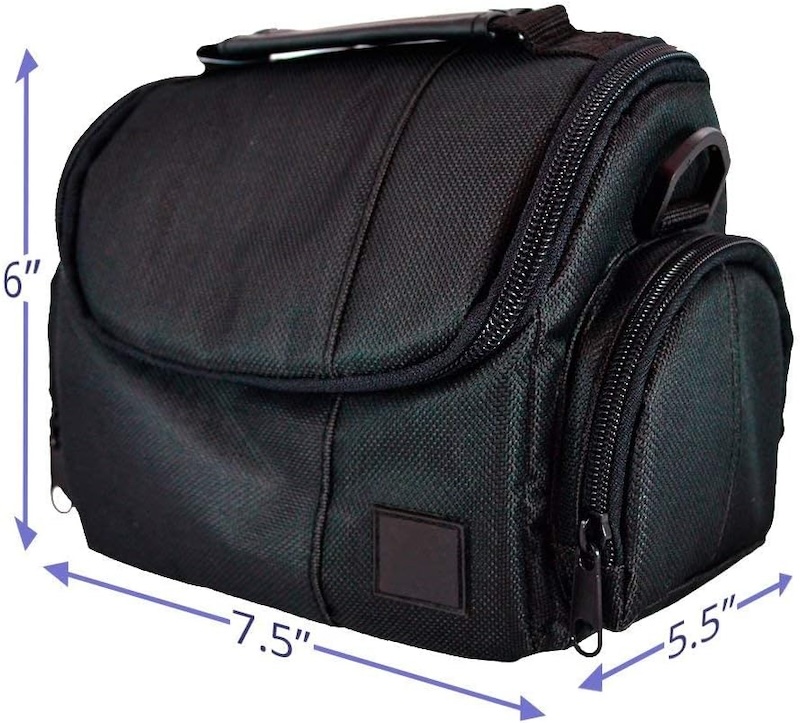
  • Camera Case
Required Gear

Some filming equipment is NOT optional for new YouTubers. Below is the list of equipment that I absolutely need in order to film and edit my videos.

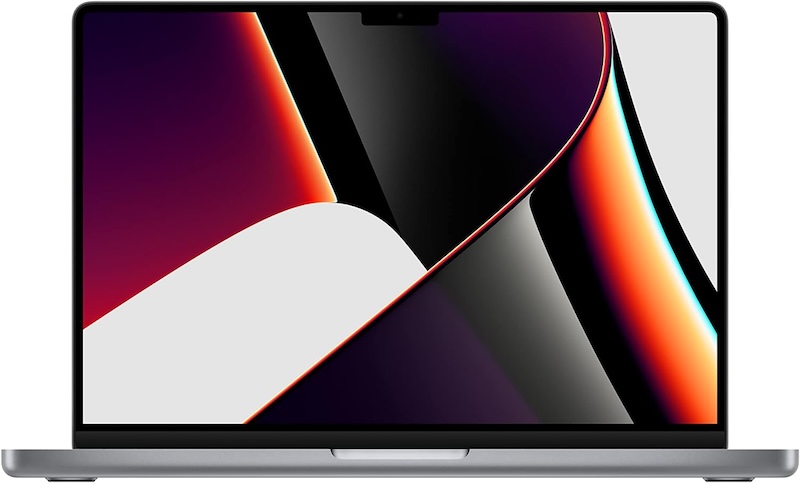
  • MacBook Pro
    • I use the MacBook Pro, but the MacBook Air will work fine too. Both are great computers for editing. 
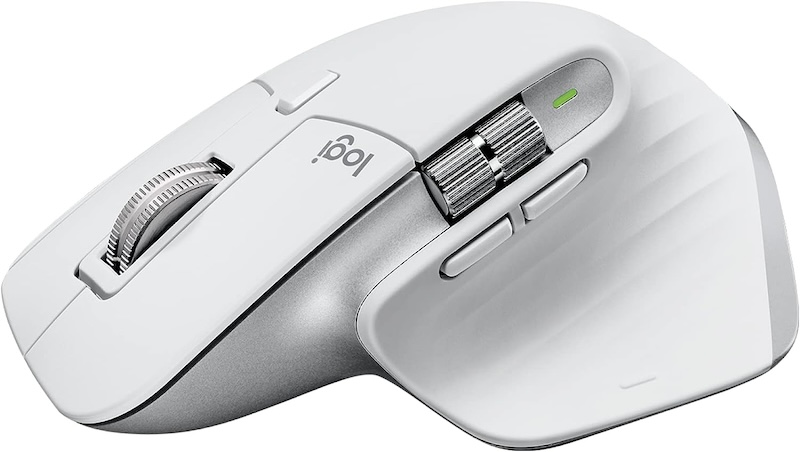
  • Mouse
  • External Hard Drive
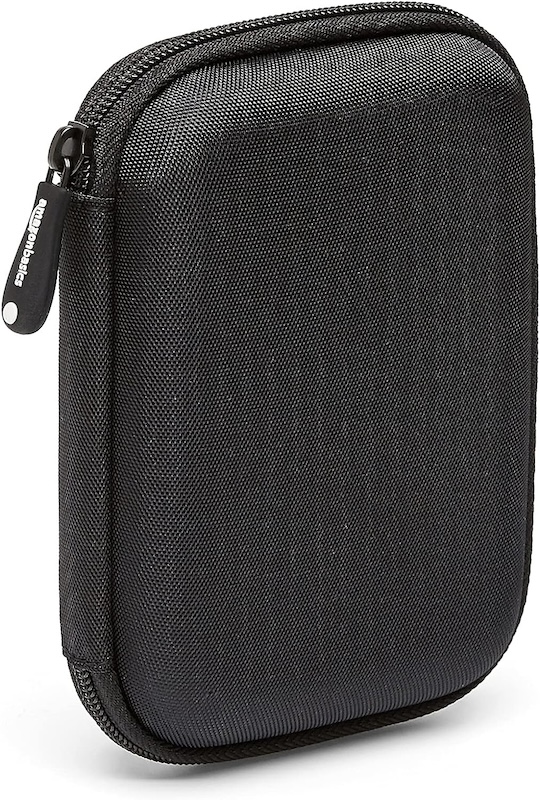
  • External Hard Drive Case
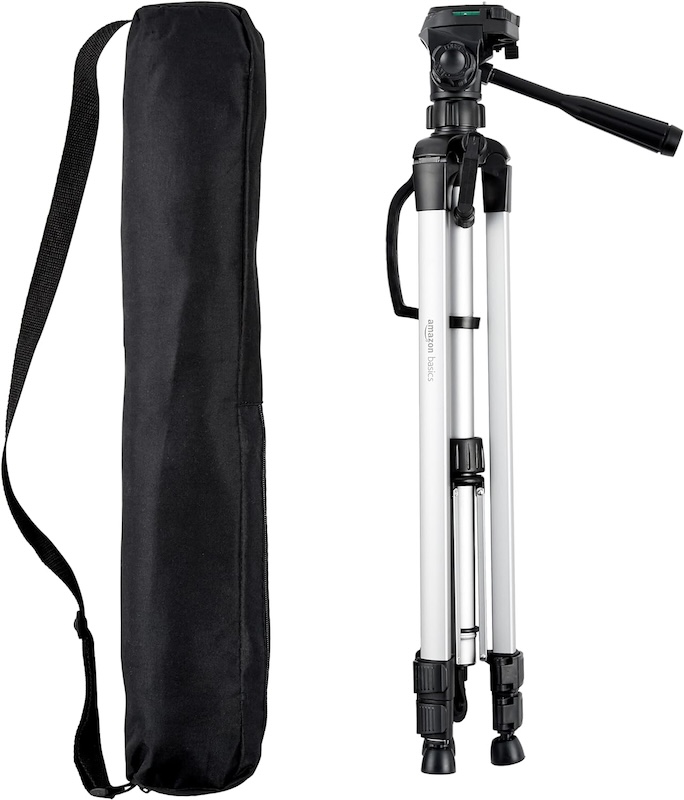
  • Camera Stand
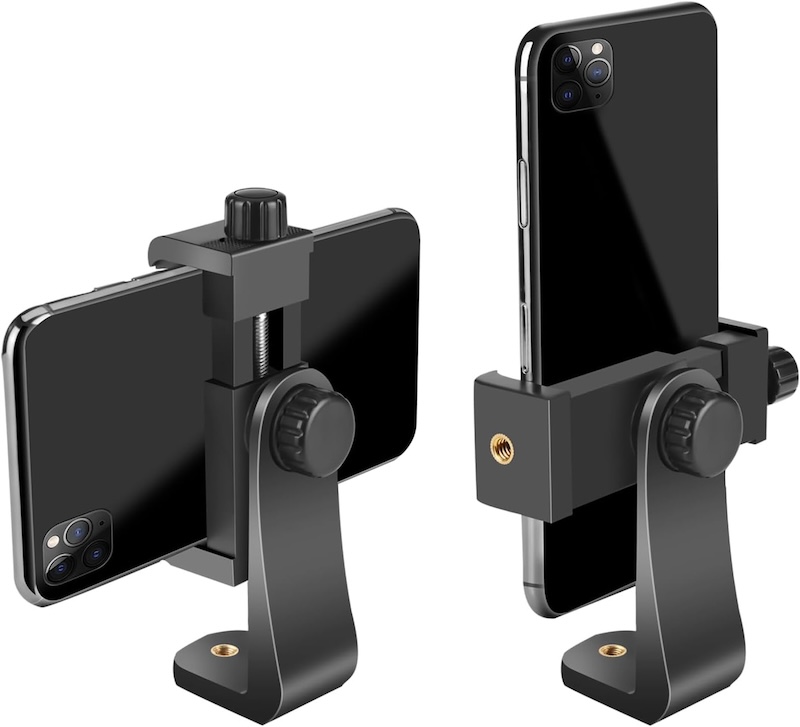
  • iPhone Tripod Adapter
    • This screws onto the camera stand, so I can use the stand for my regular camera and my iPhone.
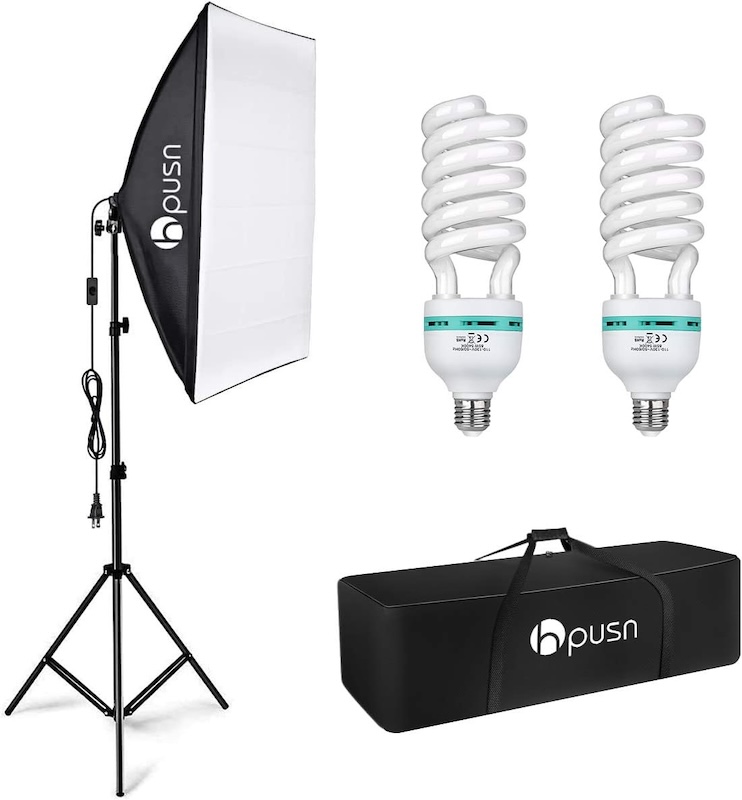
  • Lights
    • GET TWO LIGHTS. One is not enough. Lighting is very important for the quality of your videos. 
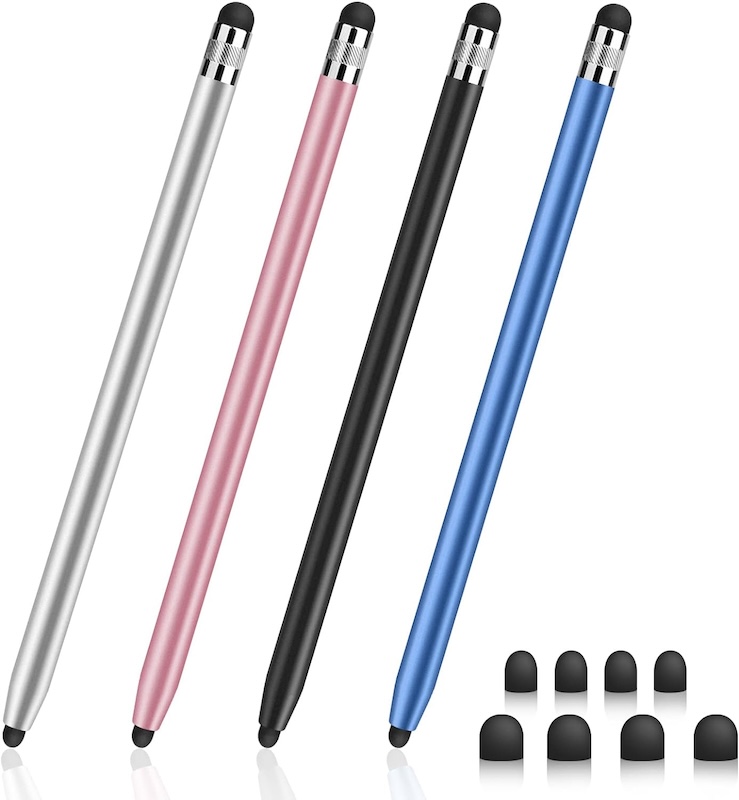
  • Stylus
    • I do a lot of editing on my phone for Instagram Reels / TikTok videos, so having a stylus helps me edit faster. 
  • Final Cut Pro Editing Software
    • I walk through how exactly how to get Final Cut Pro in the video below ⬇️
Video

For further explanation of all of the items mentioned in this post, watch the video below!

Looking For More About Starting a YouTube Channel? Read This Post Next!

  • How to Start a YouTube Channel
Back to top of page

Posted In: Entrepreneurship, How to Start a YouTube Channel

Leave a Reply Cancel reply

Your email address will not be published. Required fields are marked *

Browse the Blog

  • Suzy University
  • Entrepreneurship
  • Music
  • Disney
  • Travel

Recent Posts

  • Colorado Guide (Southern)
  • Software Update Guide
  • How To Make a Digital Product

Connect

suzybelli

How to add a table of contents to a blog! Link in How to add a table of contents to a blog! Link in bio for the full video 🔗 
#bloggingtips #blog #wordpress
How to upload featured images to a blog! Link in b How to upload featured images to a blog! Link in bio for the full video 🔗
#bloggingtips #blog
How to upload images to a blog! Link in bio for th How to upload images to a blog! Link in bio for the full video 🔗
#blog #bloggingtips
How to write a blog post! Link in bio for the full How to write a blog post! Link in bio for the full video 🔗 
#bloggingtips #wordpress
How to add legal pages to a blog! Link in bio for How to add legal pages to a blog! Link in bio for the full video 🔗 
#bloggingtips #blog
How to set up a new macbook! #techtips #macbook How to set up a new macbook! 
#techtips #macbook
Follow on Instagram

Copyright © 2025 Guides By Suzy · Privacy Policy · Terms and Conditions · Disclaimer · Theme by 17th Avenue

Guides By Suzy is a participant in the Amazon Services LLC Associates Program, an affiliate advertising program designed to provide a means for sites to earn advertising fees by advertising and linking to Amazon.com.